
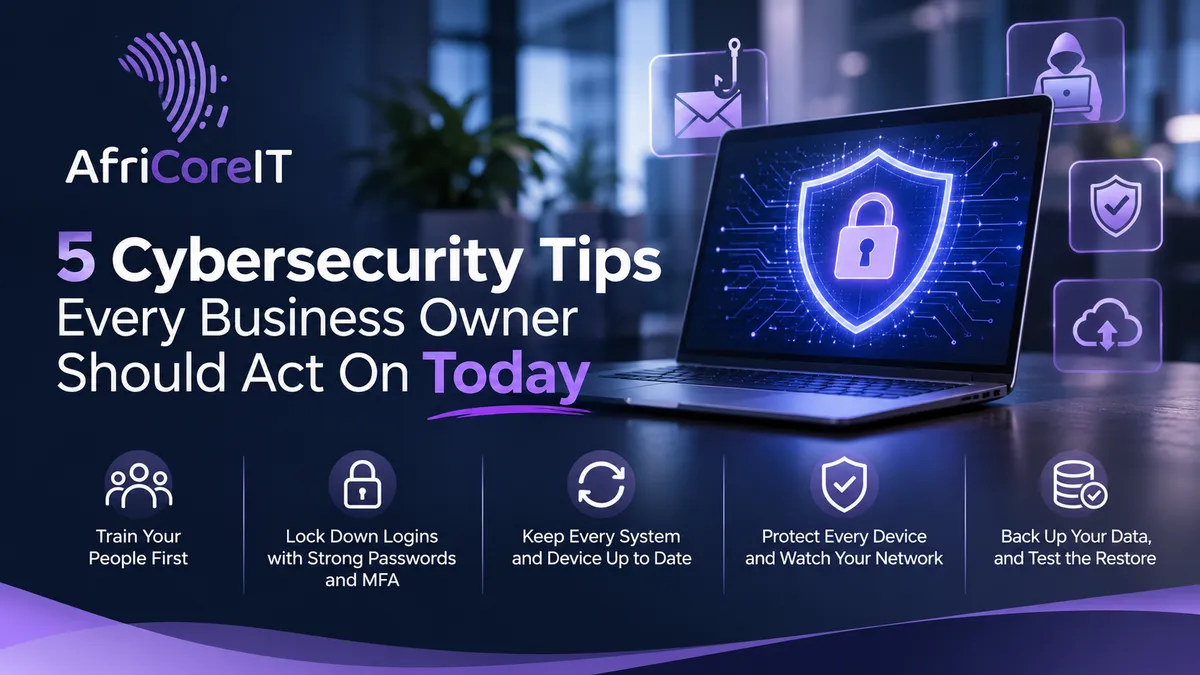
5 Cybersecurity Tips Every Business Owner Should Act On Today
Introduction
Cybersecurity has become a mainstream concern over the past decade. With the rapid growth of technology and AI, it’s also a warning of bigger threats to come. Businesses need to take precautions before it’s too late, whether that means partnering with an IT managed service provider (MSP) that specialises in cybersecurity or equipping your internal IT team to defend against what’s coming.
You don’t need a massive budget to make a real difference, though. Here are five steps that cut your risk of a cyber attack the most.
1. Train your people first
Most attacks don’t begin with clever hacking. They begin with an email that looks normal. A fake invoice, a “password expiry” notice or a message that seems to come from your boss can all open the door.
Teach your team three habits:
Hover over links before clicking, and check the sender’s actual email address.
Treat urgent requests for money or login details with suspicion.
Confirm odd requests by phone, using a number you already trust.
Ongoing awareness beats a once-off talk, because attackers change their tricks constantly.
2. Lock down logins with strong passwords and multi-factor authentication
Stolen or weak credentials are one of the easiest ways in. Do three things:
Use a unique password for every account. A password manager makes this realistic.
Turn on multi-factor authentication (MFA) everywhere you can, especially email, banking and admin accounts.
Give people only the access their job needs, and remove access the day someone leaves.
That last point matters more than it sounds. Former staff with active accounts are a real and overlooked risk.
3. Keep every system and device up to date
Software updates often fix security holes, and criminals move fast once a flaw becomes public. Delaying updates leaves known weaknesses open to anyone who looks.
Switch on automatic updates for operating systems and applications, and don’t forget routers, firewalls and older devices. Hardware that no longer receives updates should be replaced, not tolerated.
4. Protect every device and watch your network
Every laptop, phone and tablet connected to your business is a possible entry point. Modern endpoint protection goes beyond old-style antivirus. It looks for suspicious behaviour and can contain a threat before it spreads.
Pair that with a properly configured firewall and secured Wi-Fi, so visitors and personal devices stay off your core network. Monitoring matters too: the sooner unusual activity is spotted, the less damage it does.
5. Back up your data, and test the restore
Even the best defences can fail. When they do, a good backup is what turns a disaster into an inconvenience. Whether the cause is ransomware, hardware failure or human error, you want to get back to work quickly.
Make sure backups are automated, stored away from your main systems, and tested regularly. Add a simple written recovery plan that says who does what in the first hour. A backup you’ve never tried to restore is only a hope.
Quick answers
Is cybersecurity only a concern for large companies?
No. Smaller businesses are often targeted because they tend to have fewer protections, and attackers use automated tools that don’t care about company size.
Where should I start if I’m doing nothing today?
Start with MFA, updates and backups. They cost little and cover a lot of ground.
Do I need an MSP?
Not necessarily, but if you don’t have a dedicated IT team, a specialist provider gives you monitoring, response and expertise without the cost of building it in-house.
Don’t let fear run the show
With all the threats out there, it’s easy to feel overwhelmed. Don’t let the vast world of security risks take away your peace of mind. With the right steps, processes and technology in place, you can be as safe as ever.
AI Disclaimer
AI Tools were used to assist with research. Remember to always cross-check everything that you read.